WordPress powers more than 40% of the web, which also makes it a prime target for hackers. From brute-force login attempts to vulnerable plugins, attackers exploit weak spots every day.
The good news: most breaches can be prevented with a basic security hygiene checklist. Here’s where to start:
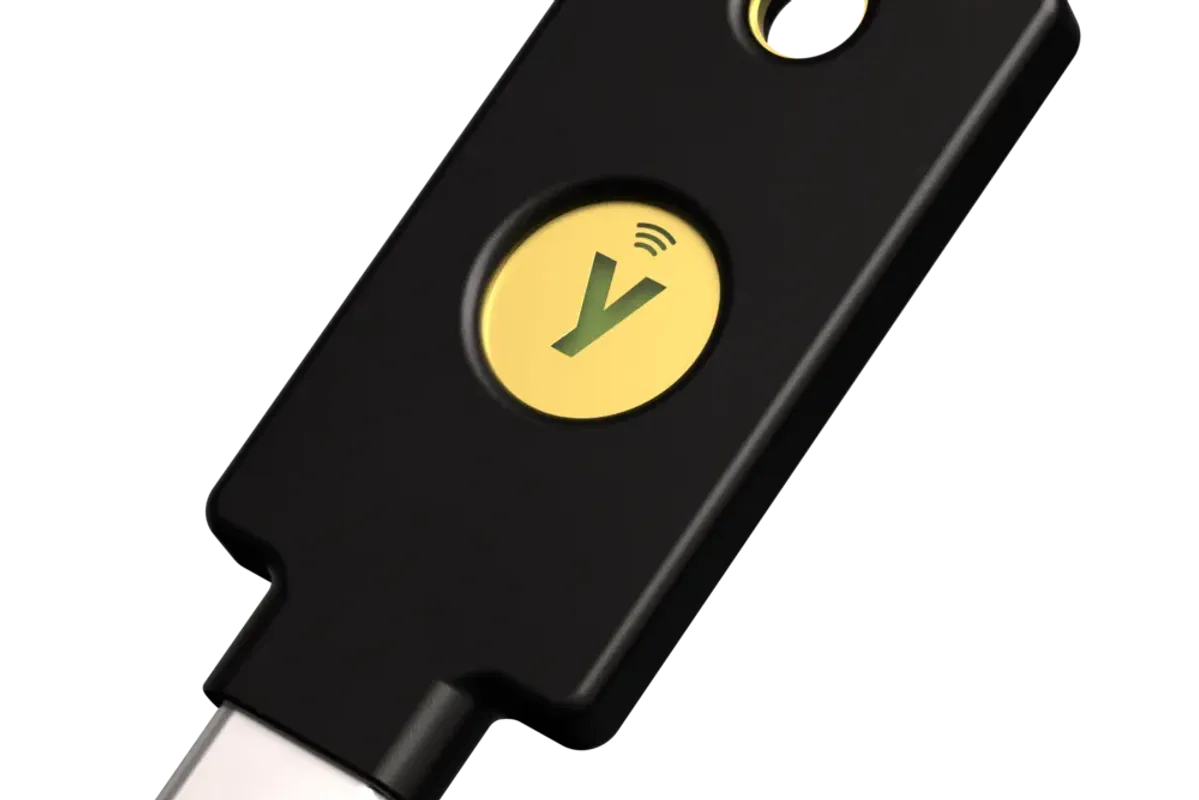
- Strong Admin Passwords & MFA: Use a password manager and enable two-factor authentication.
- Update Core, Plugins & Themes: Outdated code is the #1 cause of hacks.
- Limit Login Attempts: Prevent bots from guessing your password endlessly.
- Use HTTPS Everywhere: Free SSL certificates (Let’s Encrypt) make this simple.
- Change Default Admin Username: Avoid “admin” — it’s the first thing attackers try.
Must-Have WordPress Security Plugins
Plugins add powerful protections without needing deep technical skills. A few top picks for 2025:
- Wordfence Security: Comprehensive firewall, malware scanner, login attempt limiter.
- iThemes Security Pro: 30+ features including 2FA, brute-force protection, file change detection.
- Sucuri Security: Cloud-based firewall and malware cleanup service.
- WP Cerber Security: Strong anti-spam, login protection, IP access rules.
- All-in-One WP Security & Firewall: Free option with easy-to-use dashboards.
Tip: Avoid stacking too many security plugins — they may conflict. Pick one full-suite plugin plus specialized add-ons (like a backup tool).
Backup & Recovery: Your Safety Net
Even with strong defenses, no site is 100% hack-proof. Backups ensure you can recover quickly.
- Automatic Backups: Use plugins like UpdraftPlus, BlogVault, or Jetpack Backup.
- Off-Site Storage: Save copies to cloud storage (Google Drive, Dropbox, S3).
- Regular Testing: A backup you can’t restore is useless — test recovery once a month.
- Disaster Plan: Know how to disable plugins via FTP if your dashboard gets locked.
Balancing Performance & Security
Security can sometimes slow sites down (extra firewalls, scans). But a secure site should also load fast for SEO and user experience.
Here’s how to keep both:
- CDN with Security: Cloudflare or Sucuri CDN protects and speeds up.
- Lightweight Security Plugins: Choose optimized plugins that don’t bloat performance.
- Caching + Security Combo: WP Rocket or W3 Total Cache + firewall = safe + fast.
- Minimal Plugins Rule: The fewer plugins, the smaller the attack surface.
WordPress Security Checklist (2025 Edition)
✅ Update WordPress, themes, and plugins weekly
✅ Enforce strong passwords and MFA
✅ Install a reputable security plugin (Wordfence, Sucuri, iThemes)
✅ Limit login attempts and hide default login page (/wp-admin)
✅ Set up daily automatic backups
✅ Use HTTPS + secure hosting provider
✅ Scan site monthly for malware
✅ Remove unused plugins & themes
Final Thoughts
Securing WordPress isn’t about being a cybersecurity expert — it’s about closing the most common gaps hackers exploit. With strong credentials, reliable plugins, and a backup strategy, your site can stay safe while still running smoothly.
Remember: hackers look for easy targets. A little preparation makes your WordPress site much harder to break into.