In 2026, being online is no longer optional—it’s part of everyday life. From banking and shopping to work and communication, almost everything we do involves the internet. But as convenience grows, so do the risks.
Cyber threats today are smarter, faster, and more targeted than ever. And the truth is, most attacks don’t happen because of “advanced hacking”—they happen because of simple mistakes people make every day.
The good news? You don’t need to be a tech expert to protect yourself. You just need to understand the most common threats—and how to avoid them.
Why Cyber Threats Are Increasing
Cyber threats are increasing due to the rapid expansion of digital infrastructure, the industrialization of cybercrime (including AI-driven attacks), and increased geopolitical conflict. The surge is driven by a larger attack surface from IoT devices, sophisticated ransomware-as-a-service, and remote work vulnerabilities, leading to over 7,700 major ransomware incidents in 2025 alone.
The digital world is expanding rapidly. More devices, more apps, more data—and unfortunately, more opportunities for attackers.
In 2026, cybercriminals are using:
- Automation and AI to scale attacks
- Social engineering to trick users
- Data leaks to target victims more precisely
The biggest vulnerability is often human behavior, not technology.
Top 10 Cyber Threats in 2026
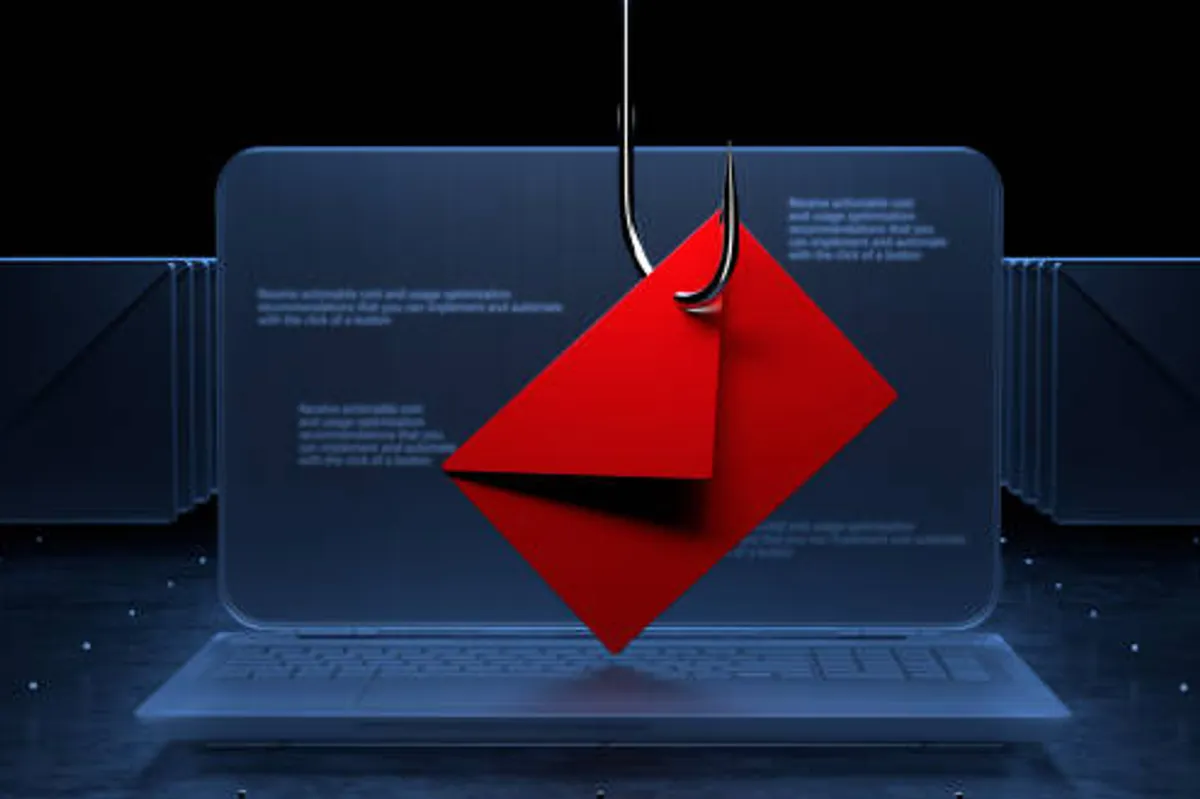
1. AI-Powered Phishing Attacks
AI-powered phishing attacks use artificial intelligence to automate and enhance scams, enabling highly personalized, grammatically perfect, and convincing fraudulent messages at scale. These attacks leverage Large Language Models (LLMs) and deepfake technology to bypass traditional spam filters and manipulate victims through impersonation, including voice and video, resulting in significant financial losses.
Phishing emails used to be easy to spot. Not anymore.
Attackers now use AI to create:
- Perfectly written emails
- Personalized messages
- Fake websites that look real
How to stay safe:
- Double-check email addresses
- Avoid clicking unknown links
- Verify requests before sharing information
2. Ransomware Attacks
A ransomware attack is a type of malicious software (malware) designed to block access to a computer system, files, or network—typically by encrypting them—until a sum of money (a ransom) is paid to the attacker. It is a form of digital extortion that has evolved into a major threat to businesses, healthcare, and governments, with attackers increasingly stealing data before encrypting it to heighten pressure to pay.
Ransomware locks your files and demands payment to unlock them.
It targets:
- Individuals
- Businesses
- Even hospitals and governments
How to stay safe:
- Back up your data regularly
- Avoid downloading unknown files
- Keep your system updated
3. Password Breaches
A password breach occurs when unauthorized individuals gain access to secure, stored login credentials (usernames and passwords), typically by hacking a company database, using phishing scams, or deploying malware. Exposed credentials are often sold, leading to identity theft, financial fraud, or credential stuffing attacks on other websites.
Weak or reused passwords remain one of the biggest risks.
Hackers use leaked databases to:
- Try passwords on multiple accounts
- Gain access to emails, banking, and social media
How to stay safe:
- Use strong, unique passwords
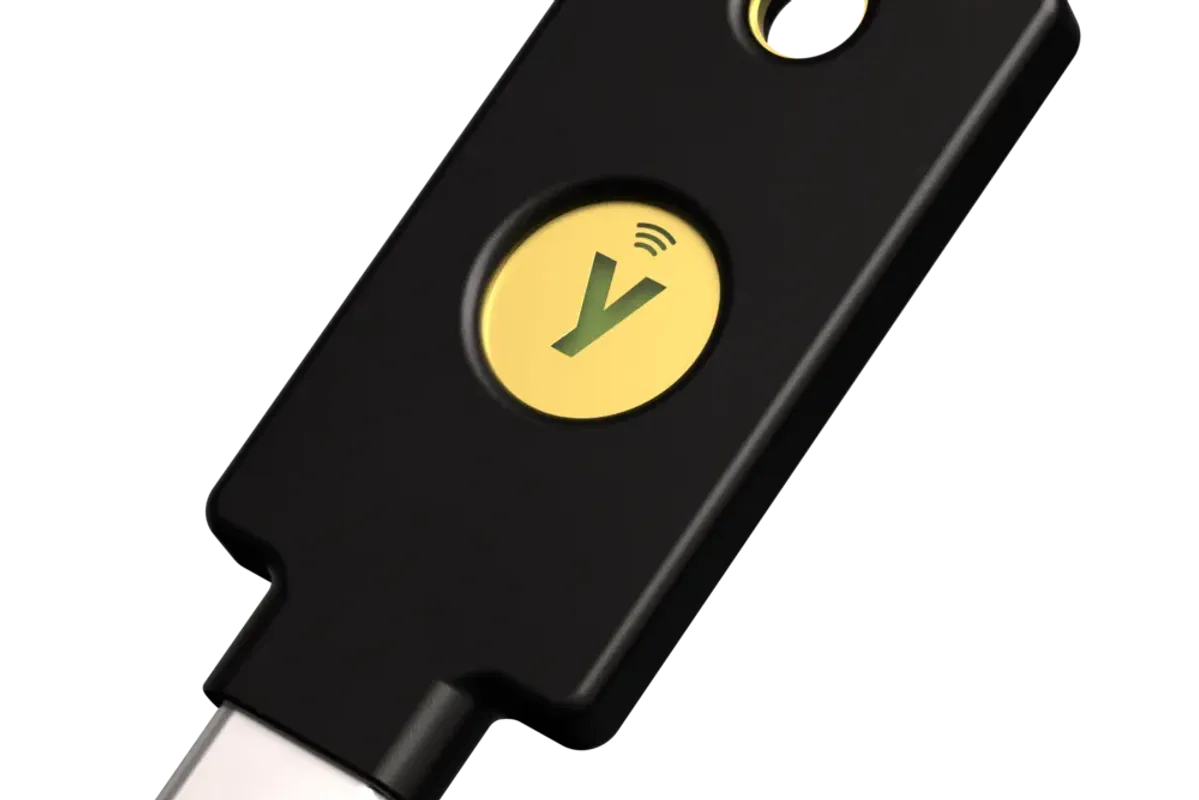
- Enable two-factor authentication (2FA)
- Consider a password manager
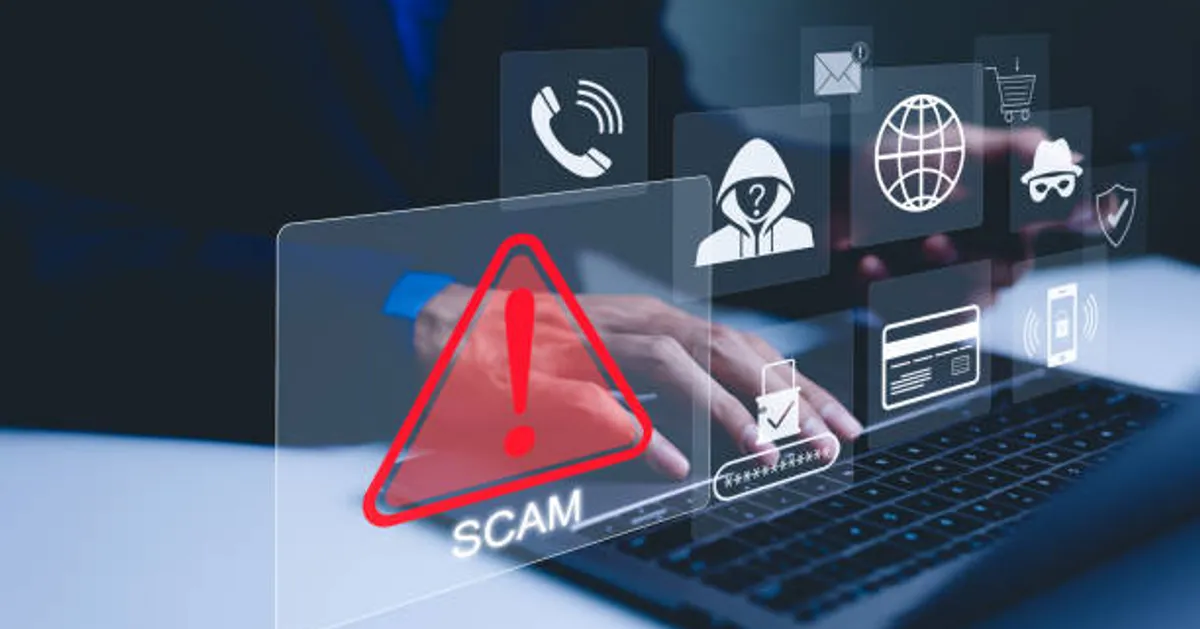
4. Social Engineering Scams
Social engineering scams are manipulative techniques used by cybercriminals to trick individuals into revealing sensitive information, transferring money, or bypassing security protocols. Instead of hacking software, attackers exploit human trust, curiosity, or fear. Common types include phishing, pretexting (impersonation), vishing (voice calls), and baiting.
This is when attackers manipulate you into giving up information.
Examples:
- Fake calls pretending to be your bank
- Messages asking for urgent action
How to stay safe:
- Don’t rush decisions
- Verify identities independently
- Be skeptical of urgency
5. Malware & Spyware
Malware (malicious software) is any software designed to disrupt, damage, or gain unauthorized access to a computer system, including viruses, ransomware, and spyware. Spyware is a specific sub-type of malware that secretly monitors user activity and steals sensitive data (passwords, banking details) without consent, often for financial gain.
Malicious software can:
- Track your activity
- Steal data
- Damage your device
How to stay safe:
- Install apps only from trusted sources
- Use antivirus software
- Avoid suspicious downloads
6. Public Wi-Fi Attacks
Public Wi-Fi attacks are techniques used by hackers on unsecured networks to intercept data, steal credentials, or install malware, often exploiting the trust users place in free networks. Common threats includeMan-in-the-Middle (MITM) attacks, Evil Twin hotspots, and passive sniffing, which often occur at coffee shops or airports.
Free Wi-Fi can expose your data if not secured.
Attackers can:
- Intercept your connection
- Steal login credentials
How to stay safe:
- Avoid sensitive transactions on public Wi-Fi
- Use a VPN
- Connect only to trusted networks
7. Deepfake Scams
Deepfake scams are a form of cyber-enabled fraud that utilize artificial intelligence (AI) to create hyper-realistic—but fake—videos, audio, or images of real people to deceive victims. These scams often impersonate trusted individuals, such as family members, company executives, or authority figures, to manipulate victims into sending money, sharing sensitive information, or bypassing security systems.
AI-generated audio or video can impersonate real people.
Used for:
- Fraud
- Misinformation
- Identity theft
How to stay safe:
- Verify unusual requests
- Be cautious with video/audio evidence
- Cross-check information
8. Cloud Security Breaches
Cloud security breaches are incidents where unauthorized access to data, applications, or infrastructure occurs within cloud environments. Primarily driven by misconfigurations, weak access management, and stolen credentials, these breaches lead to data theft, service disruption, and massive financial damages.
As more data moves to cloud platforms like Google Drive or Dropbox, attackers are targeting them.
How to stay safe:
- Use strong passwords
- Enable 2FA
- Limit file sharing access
9. Mobile App Vulnerabilities
Mobile app vulnerabilities refer to security weaknesses in the code, design, or configuration of a mobile application that can be exploited by threat actors to steal data, compromise devices, or disrupt services. As mobile apps handle sensitive personal and financial data, they are high-value targets, and a 2024 report indicated that a significant portion of apps contain high-risk vulnerabilities.
Your smartphone can be a major entry point.
Risks include:
- Fake apps
- Hidden malware
- Data tracking
How to stay safe:
- Download apps from official stores only
- Check app permissions
- Keep apps updated
10. Insider Threats (Often Overlooked)
Insider threats are security risks that originate from within an organization—employees, former employees, contractors, or business partners who have authorized access to systems and data. Unlike external hackers, these individuals possess legitimate credentials, making their activities difficult to detect and preventing traditional perimeter defenses (like firewalls) from working.
Not all threats come from outside.
Employees or insiders may:
- Leak data
- Misuse access
- Cause accidental breaches
How to stay safe (for businesses):
- Limit access to sensitive data
- Monitor activity
- Educate users on security practices
The Real Lesson: Most Attacks Are Preventable
Here’s the truth many people ignore:
- Most cyberattacks succeed because of simple mistakes, not complex hacking.
Clicking the wrong link. Reusing a password. Ignoring updates.
Small actions can have big consequences—but small precautions can prevent them.
Simple Cyber Safety Checklist (2026)
If you do nothing else, do this:
- Use strong, unique passwords
- Turn on two-factor authentication
- Keep your devices updated
- Avoid suspicious links and downloads
- Back up important data
- Be cautious on public Wi-Fi
- These basic steps can stop a large percentage of attacks.
Final Thoughts
Cyber threats in 2026 are more advanced—but staying safe doesn’t require advanced skills. It requires awareness, consistency, and a few smart habits.
The internet isn’t becoming less safe—but it is becoming more complex. Those who take a few minutes to understand these risks are far less likely to become victims.
At the end of the day, cybersecurity is not just about protecting devices—it’s about protecting your identity, your money, and your peace of mind.